Guide to Binding Your Telegram Account to the JointCloud Platform
Hello! To successfully complete the binding (and subsequent unbinding) of your Telegram account with the JointCloud platform, please follow the steps below for standardized execution:
Step 1: Launch the JointCloud Bot
Open the Telegram app, enter “JointCloudBot“ in the search bar, locate the official JointCloud bot, and send the command /start to initiate the conversation.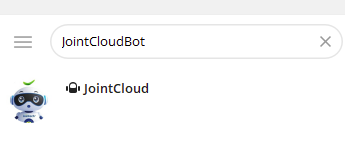
Step 2: View Available Bot Commands
After sending /start, the bot will automatically return a list of all supported operation commands. Please note the function description corresponding to each command to facilitate subsequent operations.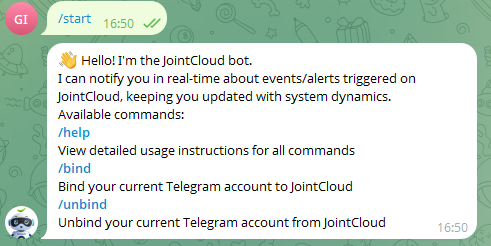
Step 3: Complete Account Binding
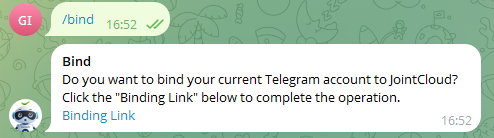
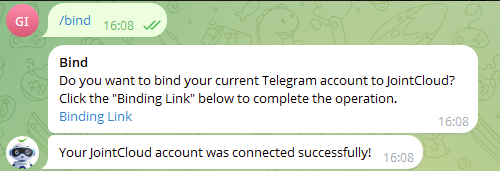
Send the command /bind to the bot;
The bot will display a confirmation prompt: “Do you want to bind your current Telegram account to JointCloud?”. After confirming that you wish to bind, click the “Binding Link” in the prompt;
Clicking the link will redirect you to the JointCloud platform’s login page; please complete the account login process;
After successful login, the bot will immediately send the notification “Your JointCloud account was connected successfully!”, indicating that the binding has been completed.
Step 4: Unbind the Account (If Required)
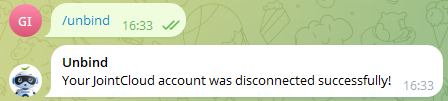
If you need to unbind your Telegram account from JointCloud later, send the command /unbind to the bot to complete the unbinding process.